
Main Screen
When this option is selected, a File Selection panel appears using which the required DXF file to be folded can be picked. Once a file is selected, it is opened in the Fold DXF page:
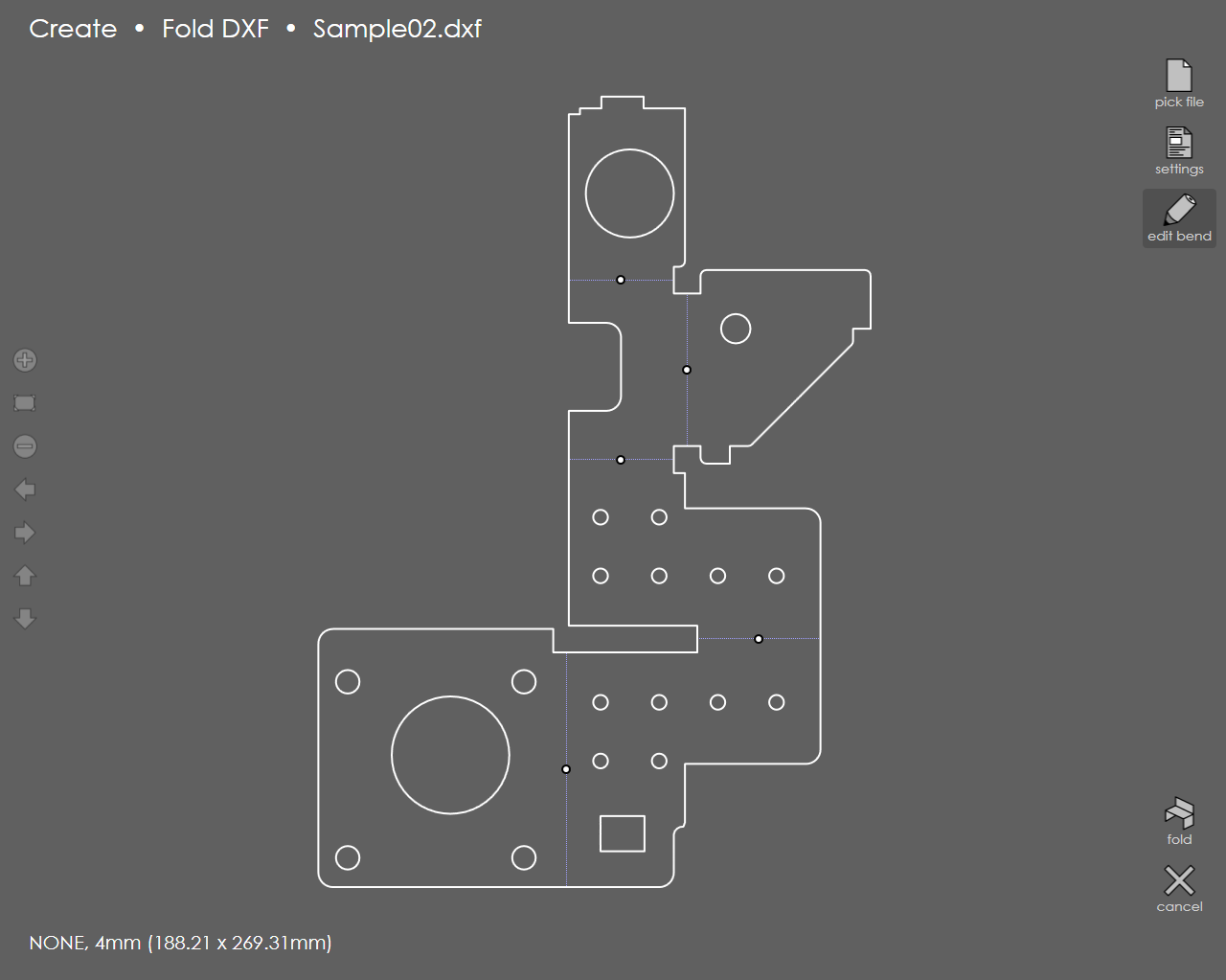
| It is possible to set a material, change the thickness or assign a Punch or Die for the DXF file by touching the settings button on the right which is the same as the Part Settings dialog that appears while editing a profile. The bend lines in this DXF file are identified and displayed with small dots. By default, will consider all of these to be 90-degree, UP bends. |