RightAngle Reference Manual

  • Welcome to RightAngle Control
  • Introduction
    • User Interface
    • Gauging
    • Tools
    • General panels
    • Application notes
      • Selection of Tools
      • Air bending
      • Large Radius Bending
      • Hemming
      • Coining
  • Home
  • Create
    • From Profile
      • Profile Selection
      • Create/Edit a Profile
      • Extrude
    • Fold Flat DXF
      • Main Screen
      • Create
      • Edit
      • Fold
    • Import 3D model
      • Main screen
      • Unfold
      • Do Tooling
    • Direct Programming
      • Main Screen
      • Add/Remove
      • Settings
      • Run
      • Navigate Bend
      • Corrections
      • Jog
      • Table Programming
    • Setting page
    • Create Tool
  • Edit
    • Sequence
    • Back gauges
    • Tooling
    • Simulation
  • Run
    • Main Screen
    • Model Based WF
      • Setup Sheet
      • Run Program
    • Program Based WF
      • Info Screen
      • Run
    • Corrections
    • Edit Cycle
  • Settings
    • Jog Axes
    • Manual Program
    • Tool Inventory
    • Other Settings
  • Feature list
    • Angle Measurement System (Pre-release)
      • IRIS Plus (Pre-release)
  • Tandem Operation
    • Operation
    • Communication Error
  • Impressum
  • FAQs
    • Licensing
Settings
/
Jog Axes

Jog Axes

Jog Axes panel is used to control one or more axes of the machine component to ensure precise bending operation. The current positions of all the axes can also be viewed in this panel.

Jogging the axes

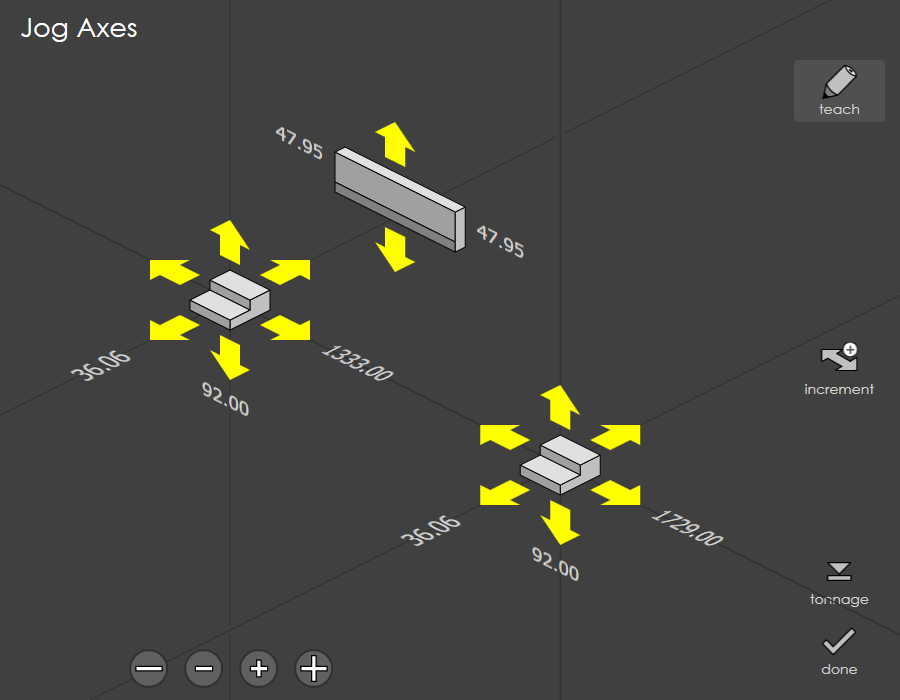
Each back-gauge is surrounded by six arrows which can be used to move it in one of the six primary directions. When you touch one of these axes, the arrows turns yellow in colour.
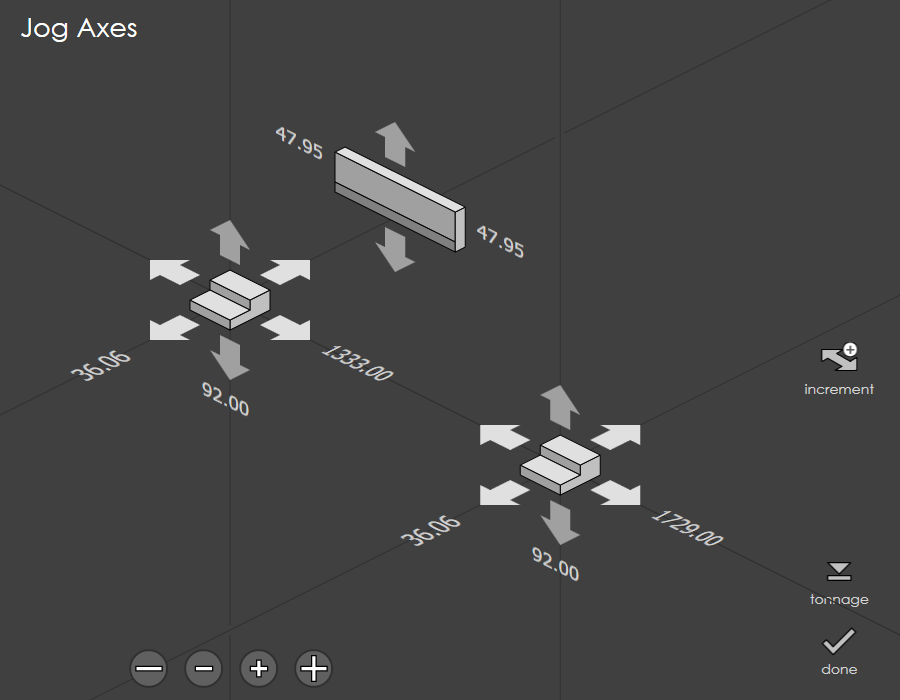
jogaxis

On some press-brakes, the Jog Axes screen can be used to only select the axes to be jogged, and separate Jog Forward and Jog Backward buttons mounted on the operator panel must be pressed to do the actual axis movement. In that case, the jog axes panel will appear a bit different from the one shown in the picture above.
Teach

Press the teach button to record the current back-gauge positions as the input positions for the new bend.

The teach button is displayed only when the jog option is used from the direct program mode.

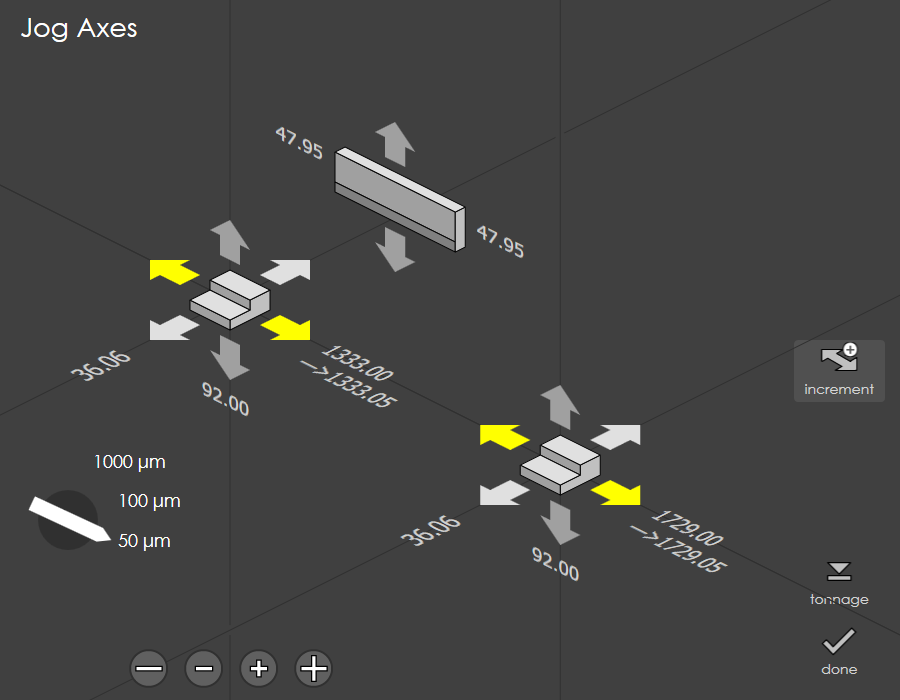
jogaxis1

Press the increment button to jog the axis in step of 50 or 100 or 1000 microns.

Press the arrow to select an axis and click the and buttons to change the value.

Target position is denoted by a small arrow symbol.

Machine will go to stop mode. Press start to move the axis to the target position.
To achieve this, no other mode should be active.

Press the tonnage button to set the tonnage used during ram manual moves.
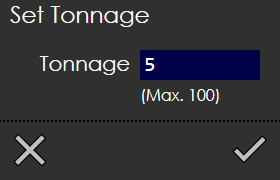
tonnage

The real-time position will also be displayed (if a real run-time is connected, capable of providing the position).

Contents

  • Jogging the axes
Settings Manual Program

      Copyright © 2025 TRUMPF Metamation. All rights reserved.

    Compiled by Bento