Main Screen
Switching to the Run environment displays programs (like the display in the Edit page).
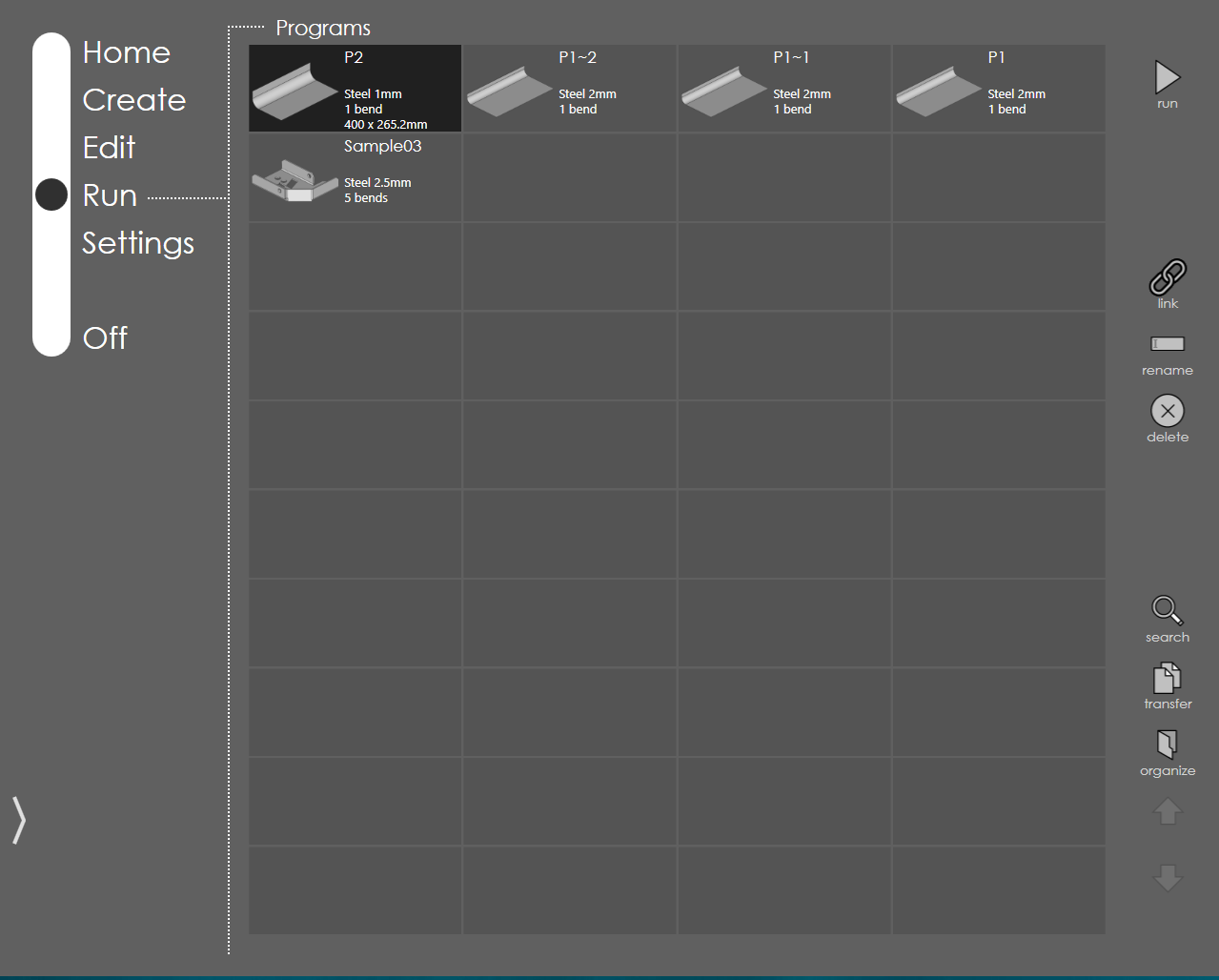
RightAngle Control distinguishes the program types:
-
Model-based program
-
Direct programs
Run a bend sequence
Pressing the run button, RightAngle Control control has two different workflows according to the program type which include the following steps
-
Setup page
-
Run page
-
Corrections
-
Modify bend cycle
Linked programs
The bend programs are linked so that linked program can be run after running the program. Cyclic link is possible when two programs are linked to each other. Bend program containing multiple setup sheet is linked by default.
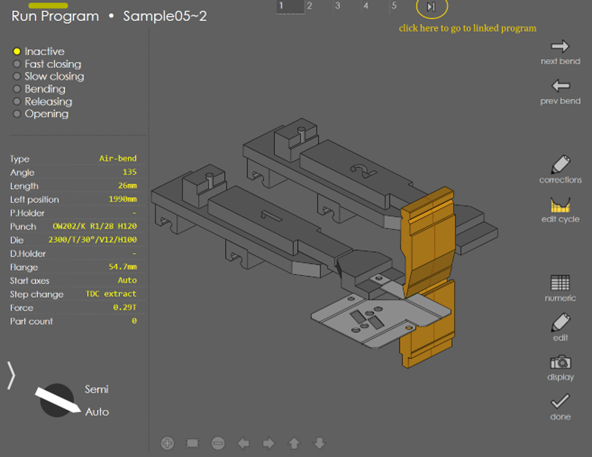
To run linked program automatically in auto mode and without machine going to stop, after completing the current bend program, Connect program for same tool height should be turned ON in Machine Settings → General Parameters → Tools → Safety. Setup sheet is show if linked program has different tool height and machine will go to stop. To avoid this when Robot is connected, Connect all program in robot mode should be turned ON in Machine Settings → General Parameters → Tools → Safety.
Tooling issues
If the tool(s) used in the program no longer exist in the tool inventory, a warning message is displayed as shown below:
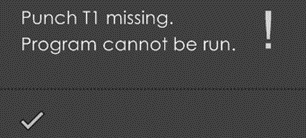
The program cannot be run until you navigate to the edit mode and change the tool.
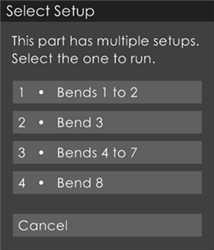
If the program contains multiple setups, a message like the one below appears when you try to run the program. Once you select which setup you are running, only the tools related to that setup are displayed in the setup sheet, and only those bends are programmed into the machine for running.