
Barcode
This is used to set up the digital protractor used in RA.
General
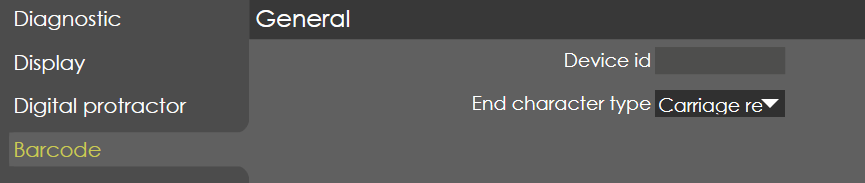
Device ID
Range |
Assigned automatically |
Default |
|
Units |
|
Access |
Administrator |
Function
Before setting up bar code scanner, it needs to be recognized by RA software. Steps to register a bar code scanner in RA :
-
Click on the 'Select device' button in the Bar code parameters page.
-
Now device selection tab appears, now scan any bar code using the scanner.
-
The input text can be checked, and device ID is assigned automatically.
-
Now close the machine parameter page and save changes made.
Description
NA
End Character Type
Range |
Carriage Return , End of transmission , No feedback |
Default |
Carriage Return |
Units |
|
Access |
Administrator |
Function
Depending on the end char type of bar code scanner used, this parameter can be changed in order to make the bar code scanner compatible with RA.
Description
NA